
A clipping path service refers to the process of manually drawing a closed vector path around a subject in an image to isolate it from its background. In software like Adobe Photoshop the designer uses the Pen Tool to trace the contours of an object; once defined, everything inside the path remains, and everything outside can be removed or altered.
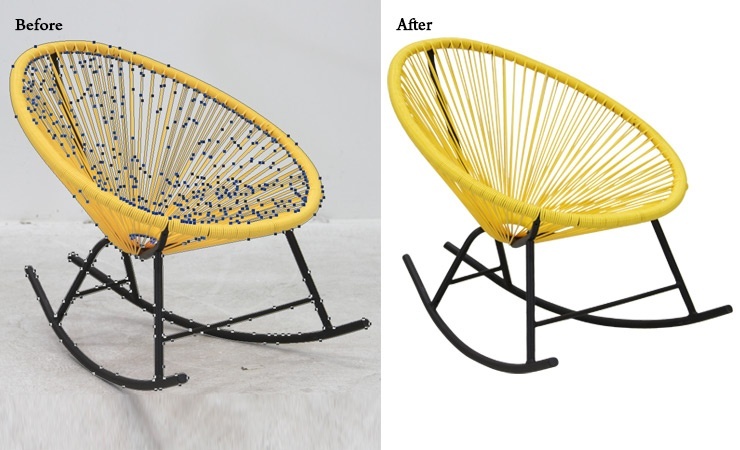
In simpler terms, it’s like giving digital scissors to an editor and telling them: “cut out this object cleanly.” This method ensures high-quality edge selection and is essential in professional image editing workflows. gowhiteoak.com
Why It Matters in Today’s Digital World
1. Enhanced Visual Appeal & Brand Consistency
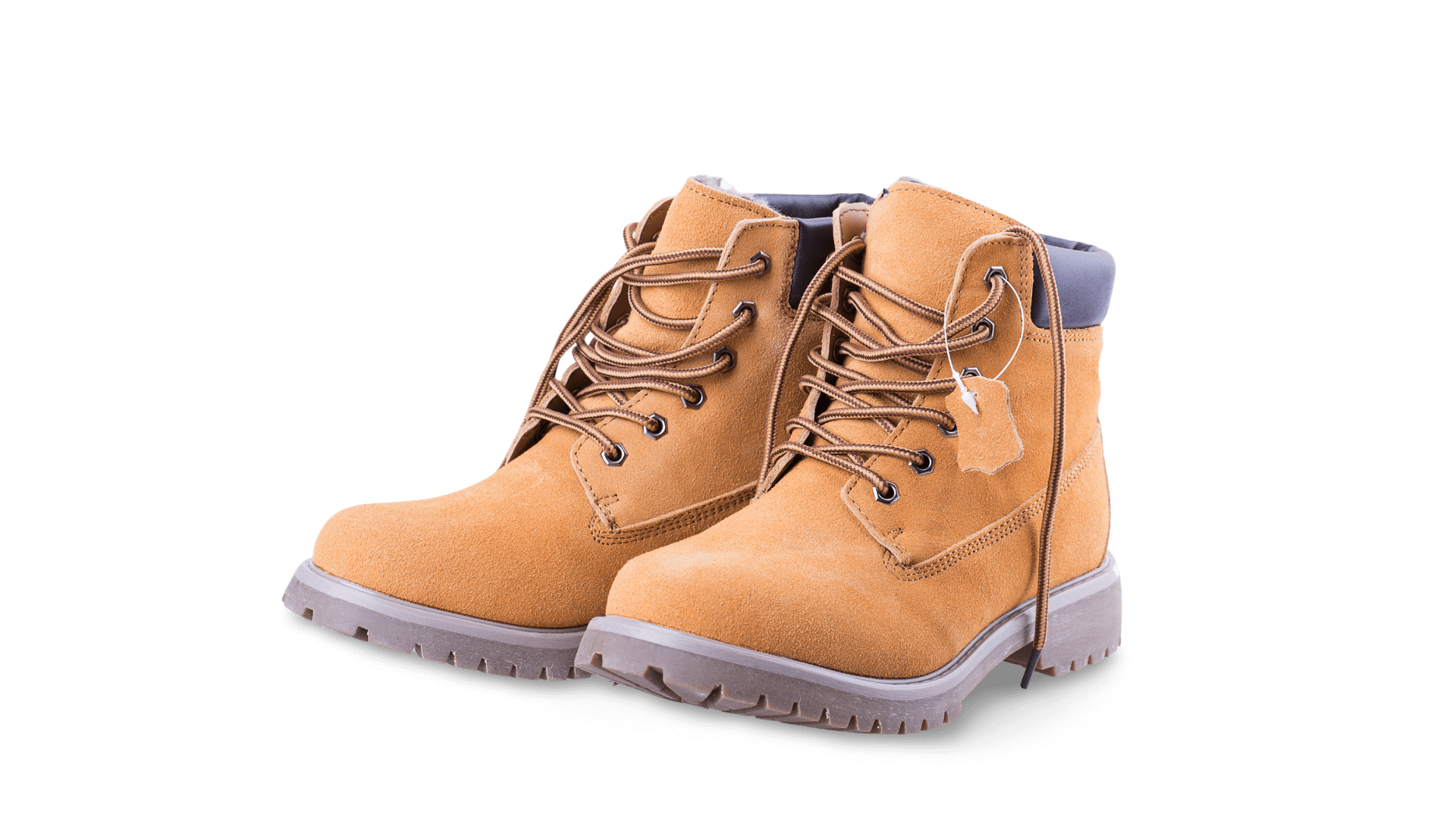
Clean, distraction-free images boost the visual appeal of products. For e-commerce stores, consumers expect crisp, uniform product images. When backgrounds, unwanted objects or clutter aren’t removed properly, the image may appear unprofessional. According to a recent article:
“Clipping path service helps online store owners, manufacturers and others to provide uniform backgrounds for product listings and meet versatility across platforms.”
2. Improved Conversion & Professionalism
If a product image looks messy or amateurish, trust and perceived value drop. A well-isolated subject stands out, making it easier to showcase on websites, print catalogs or advertising.

3. Workflow & Design Flexibility
Once the subject is isolated, editors or designers can easily:
-
Change or replace backgrounds
-
Add shadows or reflections
-
Prepare images for print, web or social media
This flexibility is only practical when a clean clipping path has been drawn. Clipping Path Source
Types & Complexity Levels of Clipping Path
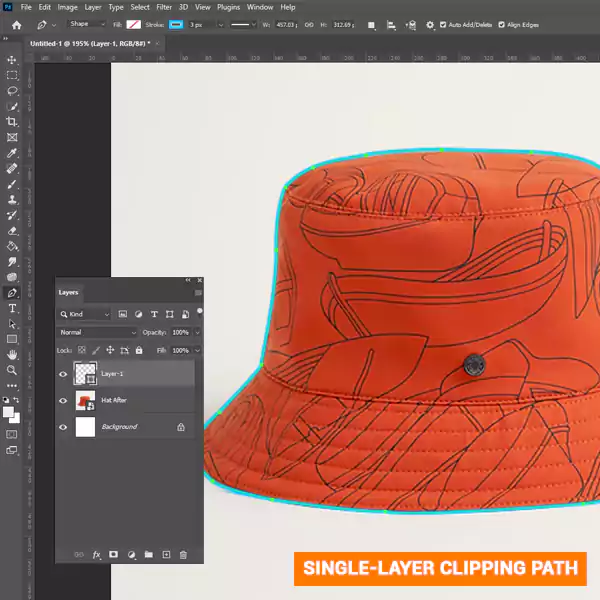
Single-Layer Path
Used for objects with simple, well-defined edges (e.g., a coffee mug on plain background). The path is drawn on one layer, isolating the subject from the background.
Multi-Layer / Complex Path
When images contain multiple subjects, overlapping objects, or require separate editing of distinct elements (for example: a model wearing clothing + accessories + hair detail), multi-layer or multi-path clipping is needed. This allows each object or area to be isolated and edited individually.

Illustrator / Vector Clipping Path
In some workflows, a clipping path may be created in vector software (e.g., Adobe Illustrator) for scalability or print purposes, though the concept remains the same: isolate the subject via a path.
How the Service Works — Step by Step
-
Receive the Image: The image to be edited is sent to the service provider.
-
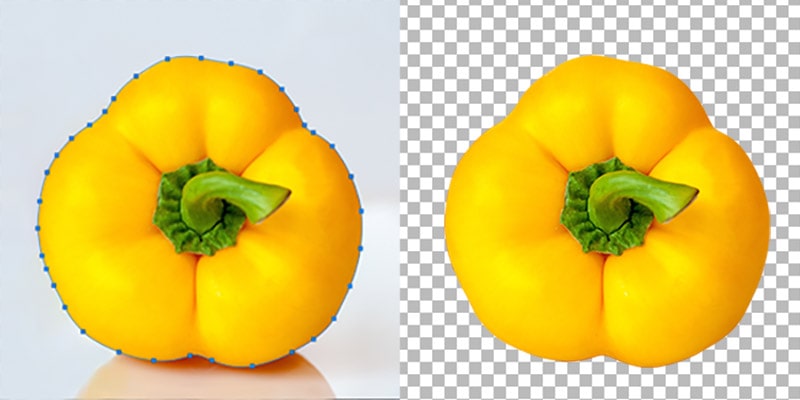
Path Drawing: A designer uses the Pen Tool to draw a precise path along the object’s edge; zooming in often 200–300% for accuracy.

-
Isolation & Background Removal: Everything outside the path is removed or masked. The object is now isolated.
-
Optional Edits: Depending on requirements, the background can be changed to white, another color, transparent (PNG) or outfitted with a shadow or reflection.
-
Delivery: The edited image is returned in the requested format, ready for web, print or further design use.
When Should You Use a Clipping Path Service?
-
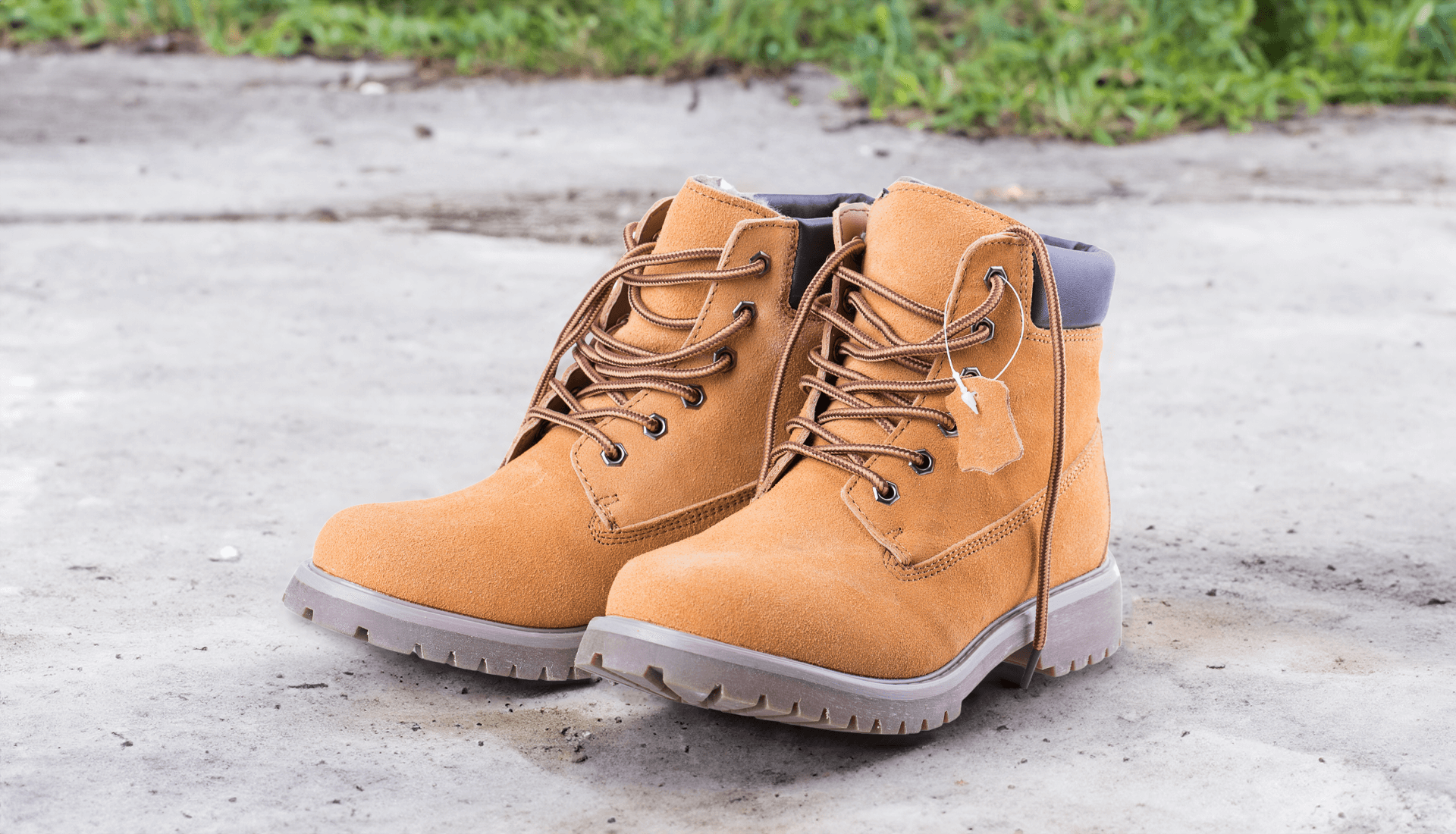
E-commerce product shoots: When you have large volumes of product photos with varied backgrounds and need consistent, clean presentation.
-
Catalogues & Print Media: Print demands high resolution and flawless edges — clipping paths help ensure that.
-
Marketing & Advertising: When you want to reuse images across backgrounds, layouts or platforms, isolation gives flexibility.
-
Design/Graphics Work: If you’re a designer (as you are in your case) and want to streamline workflow, outsourcing clipping paths can free up time for other creative tasks.
Tips for Choosing or Providing a Quality Service (Or Doing It Yourself)
-
Accuracy Matters: Poorly drawn paths lead to visible halos, jagged edges or mis-cut objects. Path Edits
-
Format & Delivery: Confirm whether you need PNG (transparent), TIFF, PSD with layers, white background, etc.
-
Turnaround Time & Volume: If you have large batches or tight deadlines, ensure the provider can meet them. Path Edits
-
Pricing by Complexity: Simple objects cost less; items with hair, fur or overlapping elements cost more. Clipping Path Center
-
Software & Expertise: Hand-drawn path using the Pen Tool offers higher quality than automated tools. Clipping Path Creative LTD
Why This Service Aligns Well with Your Skill Set
Since you’re already equipped as a logo designer, WordPress developer, Laravel web developer, graphics designer and SEO specialist, offering clipping path services adds a complementary skill set:
-
Integration: Once background removal is done, you can incorporate the isolated object into a graphic design, website, banner or e-commerce listing.
-
SEO & Visual Quality: “Clean and consistent product images” are beneficial for user experience and engagement, which can support SEO efforts indirectly.
-
Upsell Opportunities: From simple background removal you could expand to multi-path services, shadowing, color correction, or full product editing.
Conclusion
In the world of digital imagery, a clean, high-quality presentation is no longer optional — it’s expected. The clipping path service is the foundation for isolating subjects in images, allowing designers, e-commerce businesses, and photographers to present their visuals with maximum clarity and impact.
When done correctly, this technique brings professionalism, flexibility and consistency to your visual output — aligning perfectly with your multidisciplinary design and development services. And as you scale up, adding clipping path services to your offerings can open up new clients and projects.